Script

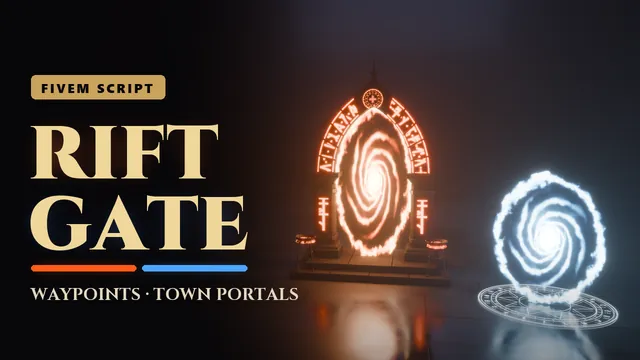
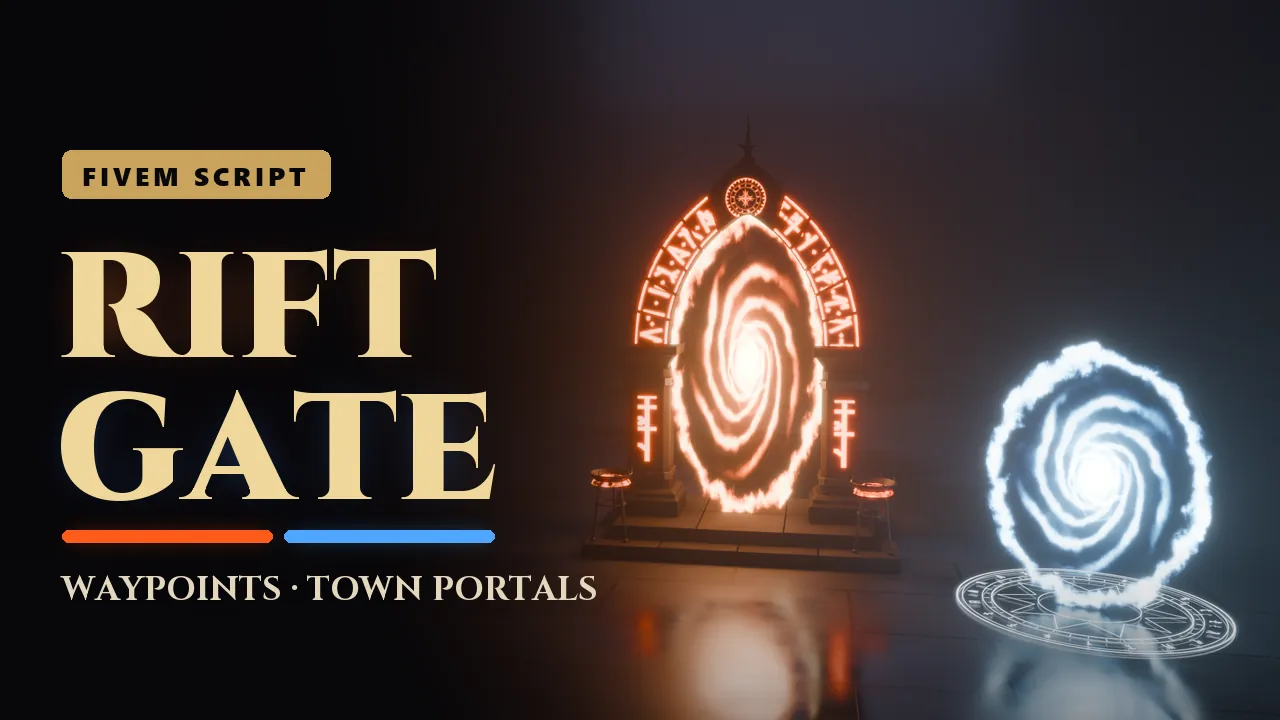
Waypoints and town portals for your server. Players discover waypoints across the map by walking onto them: the runes light up, and from then on they can travel between every waypoint they have found. Read a town portal scroll and a swirling portal opens in front of you, with its twin in the nearest town: step in to cross, step back to return.
- Granted to your Cfx.re account after payment
- Asset escrow, with the config left open
- Support on Discord
In action
The script, feature by feature
In motion
See it move
What you get
Riftgate, in detail
Waypoints
- Discover them: walk onto a waypoint and its runes light up. From then on it is in your waypoint menu, saved per character, no database needed.
- Travel: stand on a discovered waypoint and press E, or aim at it with ox_target, and pick a destination from the menu, with regions as tabs.
- On the map: every waypoint has a blip, in its portal colour once discovered and grey until then. Hidden waypoints stay off the map until someone finds them.
- Towns: mark a waypoint as known from the start, and every player has it.
- Travel costs: free, a price per trip, or a price per waypoint (ESX, QBCore, Qbox).
Town portals
- One scroll, two portals: read it, and a portal opens in front of you, with its twin next to the nearest town waypoint.
- Your party: the friends standing with you when it opens can follow you through, and nobody else can follow you out.
- It closes behind you: when you come back through it, when its time runs out, or when you open a new one.
- The scroll: an item with its own hand-held model and inventory picture. Moving or getting hurt while reading breaks the spell, and a broken spell keeps the scroll.
- No escape from an arrest: nobody travels or opens a portal while knocked down, under arrest or in a fight.
The platforms
- Four models: a weathered waystone with crystal posts, a marble dais inlaid with gold, a 5 metre gothic arch gate with a portal in it, and a shrine of leaning standing stones.
- Built by hand: baked 2K textures with normal and specular maps, a lighter model for distance, and collision you walk on.
- Alive at night: runes and crystals glow once discovered and light the ground, and portals spin in blue, red, gold or violet.
- Its own sound: travel, arrival, discovery, portals opening and closing, a portal hum and the menu.
For your server
- Place them in game: /riftgate_place opens a form for the name, region, platform, colour and jobs, and the waypoint stands for everybody at once, with no restart.
- Jobs and gangs: lock a waypoint to jobs with a minimum grade, gangs or an ACE permission. A police-only network, a gang hideout, a VIP spot.
- Your framework, or none: ESX, QBCore and Qbox are detected by themselves. ox_target, ox_lib and ox_inventory are picked up too.
- Eight languages: English, German, French, Spanish, Portuguese, Polish, Dutch and Italian, each in an open file.
- Logs and exports: trips and portals in a Discord channel, and exports and events for your own scripts.
Before you buy
What it needs
OneSync, which is on by default on txAdmin servers. ESX, QBCore or Qbox for travel costs, jobs, gangs and the scroll item, ox_target, ox_lib and ox_inventory: all optional.
- Scripts and models are protected by the FiveM asset escrow. The config and the texts stay open.
- Your server has to run with a license key from the Cfx.re account that owns the resource.
- Exports for your own scripts, in files that are left open as well.
Set up
On your server in three steps
Download
From the Cfx.re Portal, under Granted Assets.
Ensure
Put the folder into your resources and add it to your server.cfg.
Configure
Everything is explained option by option in the documentation.
More from the store
Keep browsing