Props
LSMD Props
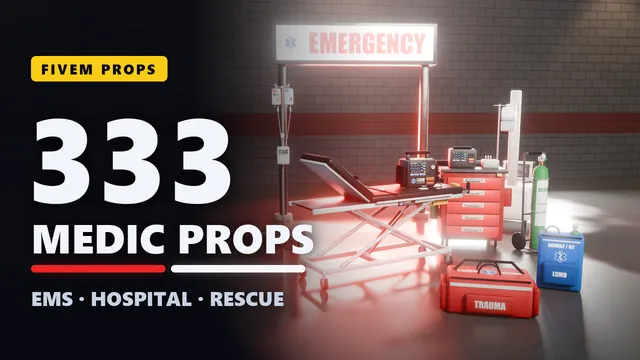
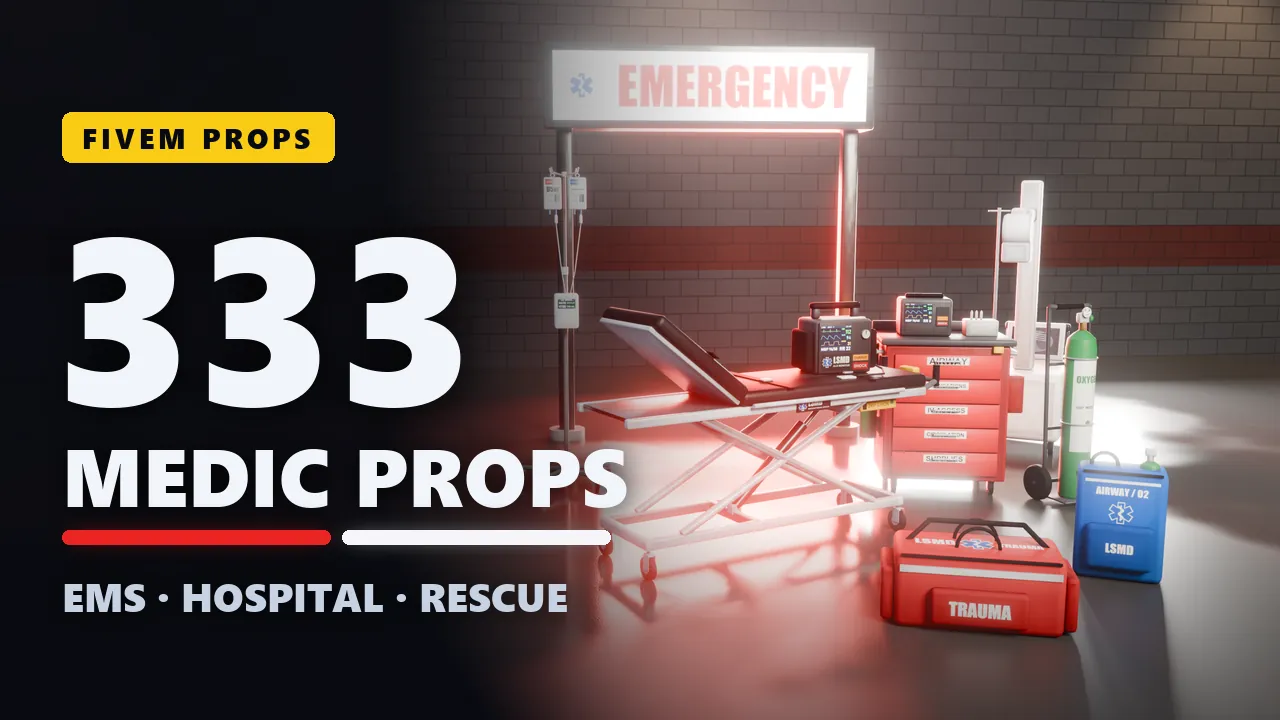
333 custom EMS and hospital props for your server: the ambulance and patient transport, airway and cardiac care, trauma care and infusion, a whole hospital from the reception desk to the operating theatre, the lab, radiology and the coroner's office, fire, water, mountain and air rescue, mass-casualty incidents and the EMS station. Every prop is a model of its own, with collision, and the pack runs at 0.00 ms.
- Granted to your Cfx.re account after payment
- Asset escrow protects the models
- Support on Discord
In the game
The props, walked through
In motion
See it move
What you get
LSMD Props, in detail
The props
- 333 models: every prop designed on its own, from a tourniquet to an MRI scanner. No recolours padding the count.
- On scene and in the ambulance: patient transport, airway and oxygen, cardiac care and monitoring, trauma and wound care, crew gear.
- The hospital: the emergency department, wards, the operating theatre, supplies and infusion, diagnostics, the lab, radiology, reception, the doctor's office, rehab and the coroner's office.
- Rescue and big incidents: fire and technical rescue, water and mountain rescue, air rescue, mass-casualty incidents, the EMS station, signage, hygiene and training.
- Lit screens and lights: patient monitors, defibrillators, pumps, displays, signs and warning lights glow by themselves.
Built for a server
- Collision on every prop: players walk on them and bump into them, vehicles hit them, and props spawned with physics fall and land on the ground.
- 0.00 ms: no scripts, nothing running. The resource only streams models.
- Three levels of detail: larger props switch to lighter versions of themselves further away, as Rockstar's own props do, and each has a draw distance that fits its size.
- Detail where it counts: rounded edges, baked contact shadows and surface texture (fabric, rubber, leather, wood grain, brushed metal), with the textures built into each model.
- Add-on: every prop has its own name (lsmd_...), and no vanilla prop is replaced.
Easy to place
- Stands right: ground props have their origin at the centre of their base, front facing -Y.
- Flush on walls: cabinets, monitors, dispensers and signs have their back on y = 0.
- Hangs right: the hanging direction sign has its origin at its ceiling mount.
- Any tool: use the model names in a map editor, a placement or furniture script, a job script or your own code.
- Models only: no placement menu, no items, no jobs. They work with the tools you already have.
Before you buy
What it needs
No dependencies. Models only: place them with your map editor, a placement script or your own code.
- The models are protected by the FiveM asset escrow.
- Your server has to run with a license key from the Cfx.re account that owns the resource.
- No scripts: nothing runs, 0.00 ms on your server.
Set up
On your server in three steps
Download
From the Cfx.re Portal, under Granted Assets.
Ensure
Put the folder into your resources and add it to your server.cfg.
Place
Use the model names from the documentation in your map editor or scripts.
More from the store
Keep browsing

Props
FIB Props
333 custom federal agency props, from a badge wallet to a bomb disposal robot.