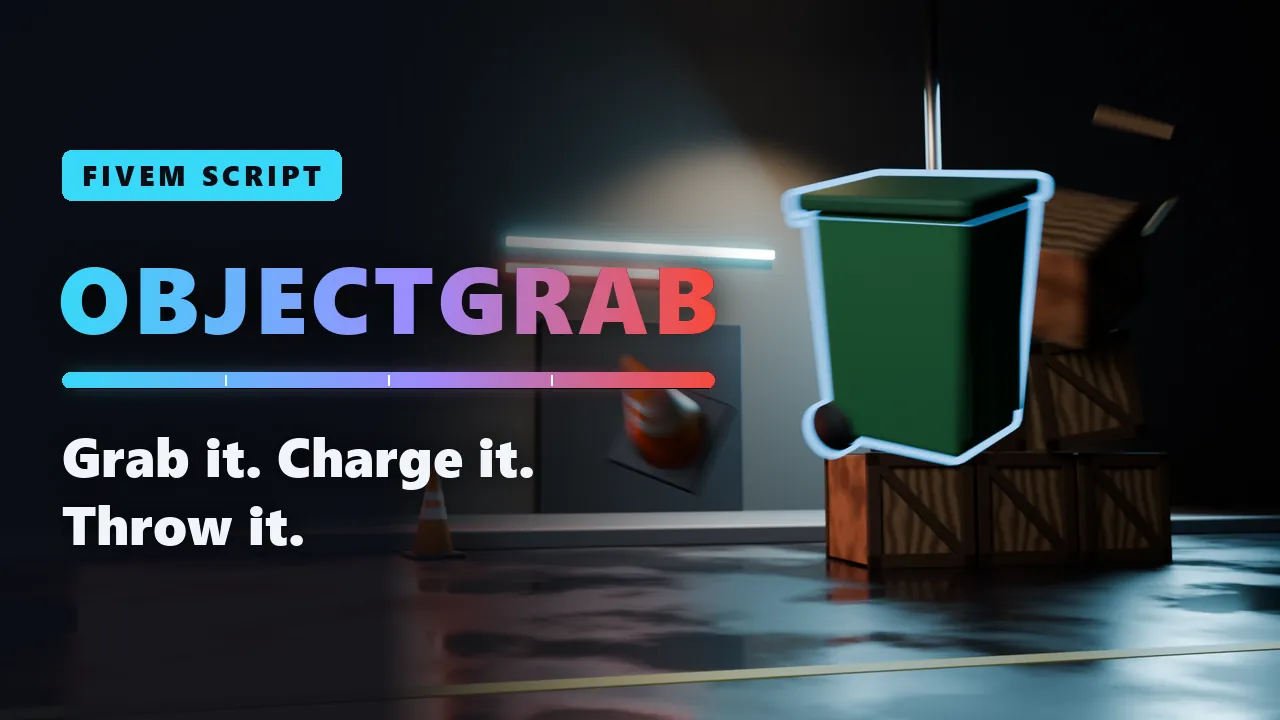
Props, cars, NPCsCharged throwSynced for everyonePer-model settings
Script
Object Grab
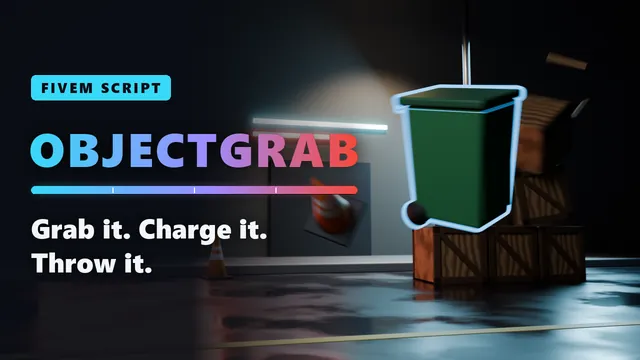
Pick up the world around you and throw it. Look at a bin, a traffic cone, a crate, an empty car or a passer-by, and it flies into your hands. Turn it with the mouse wheel, hold the mouse button to charge, and let go: it lands where your crosshair points, and every other player sees it fly.
Free
- Granted to your Cfx.re account after payment
- Asset escrow, with the config left open
- Support on Discord
In action
The script, feature by feature
What you get
Object Grab, in detail
What you can grab
- Map props: bins, cones, crates, chairs, bags and anything else up to 2 metres. Broken pieces too, like a crate from a fallen stack.
- Props from your scripts: anything networked, up to 2 metres.
- Empty vehicles: up to 6 metres long, with nobody inside.
- NPCs: ambient passers-by, who go limp when you let go or throw them. Players can never be grabbed.
- Your limits: every size and distance is a setting, and any model can be blacklisted or given its own limit.
The throw
- Charged: from a quick lob at 12 m/s to a full-power throw at 45 m/s in 1.2 seconds, with an animated charge bar from cyan to red.
- Where you aim: it flies to the point under your crosshair.
- Hold and turn: walk and run with it, turn it with the mouse wheel, tilt it with Ctrl and the wheel, or put it down with G.
- Fair to players: someone hit is knocked over for a moment, not taken out by GTA's impact physics. Any damage is up to you.
- Per model: a bottle held in the right hand and thrown like a grenade, a dumpster slow to charge and too heavy to run with.
Synced and safe
- Everyone sees it: a grabbed map prop becomes a networked copy, so it moves and lands in the same place for every player.
- The map heals itself: the original comes back after 5 minutes, and at most 200 copies exist at once.
- Safe defaults: ATMs are blacklisted, owned cars from garages and shop or job NPCs stay put.
- No sync crashes: held props are kept whole, so a bag bursting in the network sync can't take a client down.
For your server
- Your framework, or none: ESX, QBCore and Qbox are detected by themselves. ox_target adds a Grab option, ox_lib shows the key hints.
- Permissions: off by default, or by ACE, by group, or by job with a minimum grade and duty.
- Every key a binding: each player can change them in the FiveM settings.
- Open config: every limit, the throw, the hits, the HUD and every text in one commented config.lua.
- Exports and events: grab, drop and throw from your own scripts, block grabbing for a player, override permissions.
Before you buy
What it needs
OneSync, which is on by default on txAdmin servers. ESX, QBCore or Qbox for permissions by job or group, ox_target for the Grab option and ox_lib for the key hints and messages: all optional.
- Scripts and models are protected by the FiveM asset escrow. The config and the texts stay open.
- Your server has to run with a license key from the Cfx.re account that owns the resource.
- Exports for your own scripts, in files that are left open as well.
Set up
On your server in three steps
Download
From the Cfx.re Portal, under Granted Assets.
Ensure
Put the folder into your resources and add it to your server.cfg.
Configure
Everything is explained option by option in the documentation.
More from the store
Keep browsing