 01 / 06
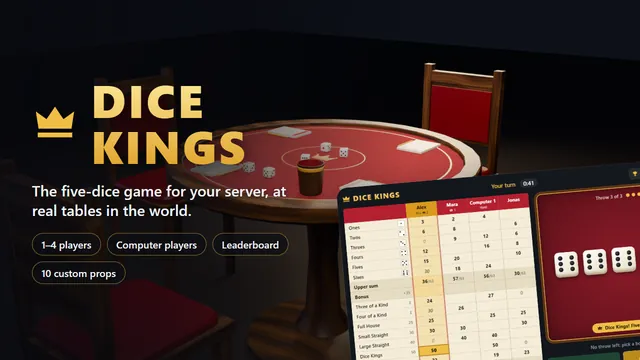
1–4 playersComputer playersLeaderboard10 custom props
Table game
Dice Kings
The five-dice game everybody knows, for 1–4 players: computer players, a server-wide leaderboard, and dice that fly across the felt for everyone to see.
- Granted to your Cfx.re account after payment
- Asset escrow, with the config left open
- Support on Discord
What you get
Dice Kings, in detail
The board
- Click the dice you want to keep, throw, pick a box.
- The score pad shows in pencil what your throw is worth in every open box.
- All cards side by side: what the others could score, and what they wrote last.
- Dice Kings, five of a kind, with banner and fanfare.
- Quick reactions beside your name on everyone's board.
Computer players
- Up to three of them, or a card on your own.
- Easy, medium and hard, set for each one. The hard one works out the odds of every way to hold the dice.
- Their turn plays out step by step, and a ped on their chair shakes the cup.
In the world
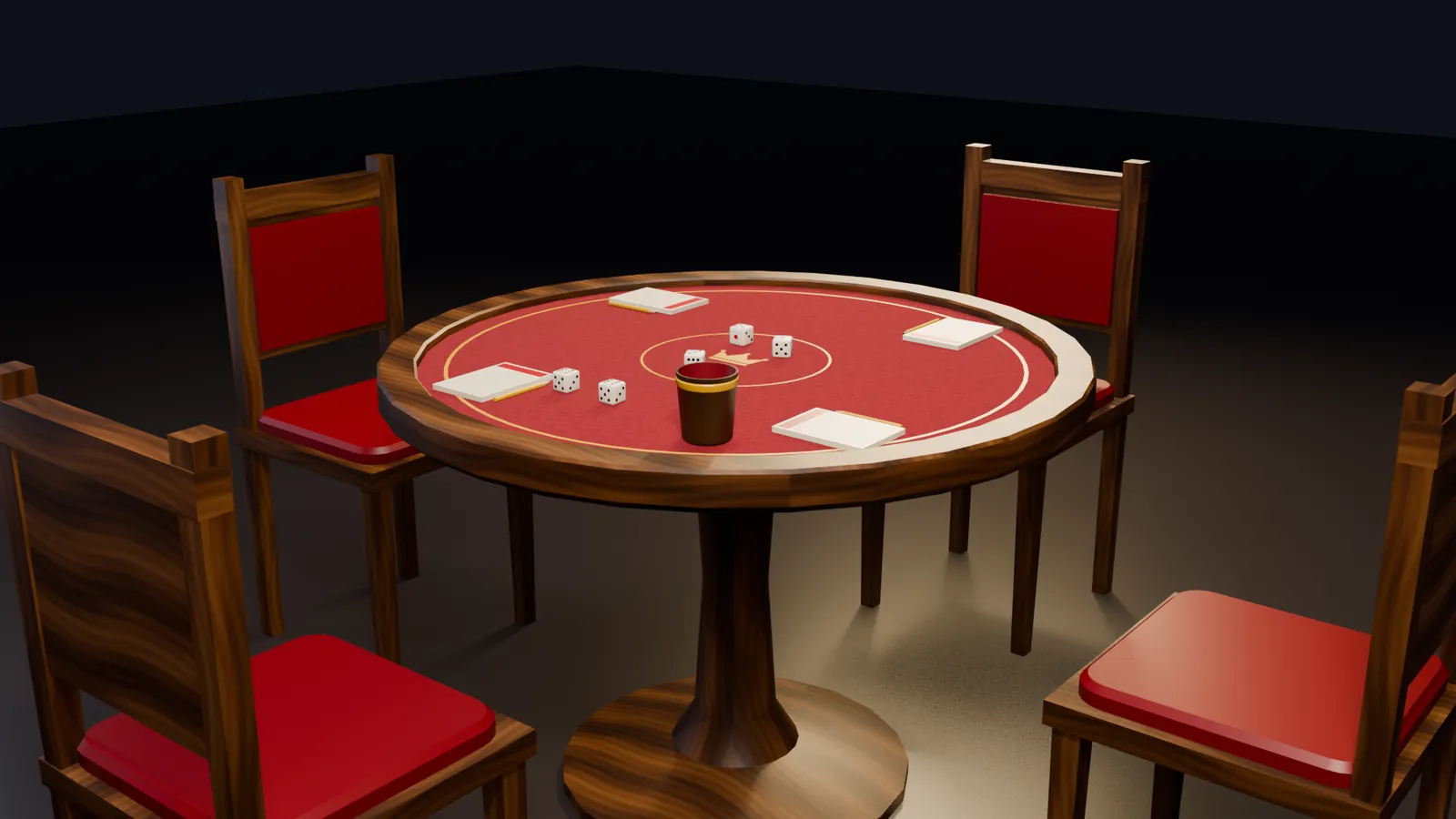
- Custom round table, chairs, dice cup, score pads with pencils, and dice.
- The dice fly and tumble to the same spot on every screen and stay there until the next throw.
- A camera over the table for seated players.
- Optional map blip and markers over free chairs.
Leaderboard and stakes
- Games, wins, best score and Dice Kings thrown for every player, through oxmysql.
- Optional stake, chosen in the lobby from the amounts you allow; a tie splits the pot.
- The server throws and scores. Nothing to cheat on the client.
- Joker rule free, forced or off, and a three-column variant for a long game.
Before you buy
What it needs
No dependencies. Used when they are running: ESX, QBCore or Qbox for character names and the stake, oxmysql for records and the leaderboard, ox_target for sitting down and watching.
- Scripts and models are protected by the FiveM asset escrow. The config and the texts stay open.
- Your server has to run with a license key from the Cfx.re account that owns the resource.
- Exports for your own scripts, in files that are left open as well.
Set up
On your server in three steps
Download
From the Cfx.re Portal, under Granted Assets.
Ensure
Put the folder into your resources and add it to your server.cfg.
Configure
Everything is explained option by option in the documentation.
More from the store
Keep browsing