 01 / 06
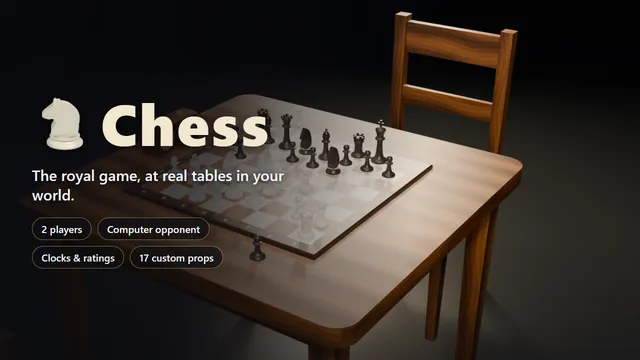
2 playersComputer opponentClocks & ratings17 custom props
Table game
Chess
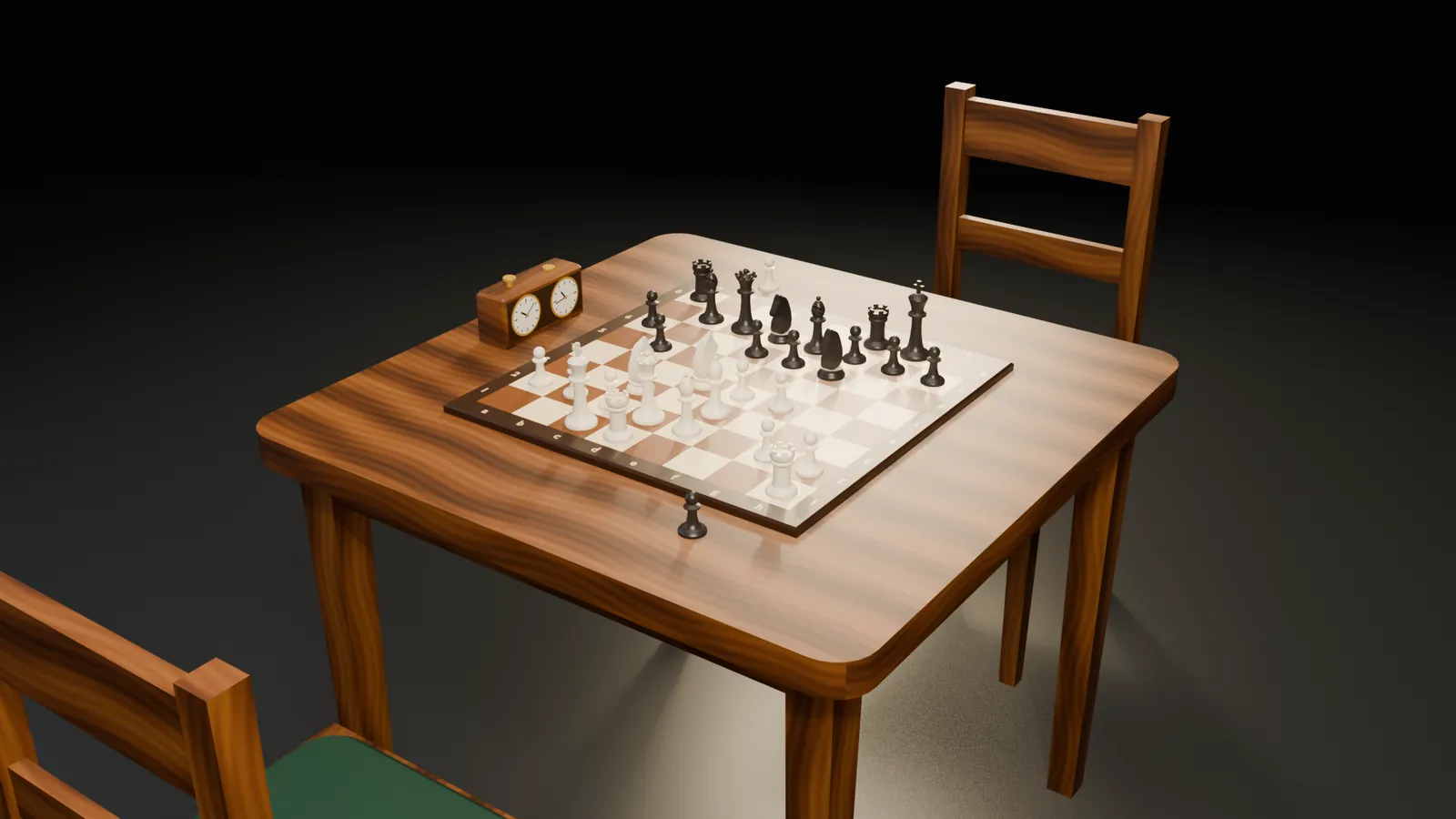
Chess for two, with a computer opponent for a game on your own. Premoves, arrows, clocks and ratings on the board, and 17 custom props that show every move to whoever walks past.
- Granted to your Cfx.re account after payment
- Asset escrow, with the config left open
- Support on Discord
What you get
Chess, in detail
The board
- Click or drag a piece; the squares it may go to are marked.
- Premoves: enter your next move while the other side is thinking.
- Step back through the game with the move list or the arrow keys.
- Arrows and marks with the right mouse button.
- Copy the game as PGN when it is over.
Computer opponent
- One person can play alone, as White or as Black.
- Easy, medium and hard. The easy one plays worse moves, not senseless ones; the hard one knows the common openings.
- Hints and take-backs in games against it.
- It thinks a little each server tick, so the server stays smooth.
In the world
- Custom table with board, chairs, chess clock and all twelve pieces.
- Pieces are carried to their squares; captured ones are set down in front of whoever took them.
- The clock's button shows whose time is running.
- Admins place tables in game with a command; they are saved automatically.
Clocks, ratings, stakes
- Chess clocks chosen by the first player, from none to 30 minutes, or your own list.
- Elo ratings for games between players, shown next to the names.
- Optional stake per game through your framework. A draw returns the stakes.
- Every move is judged on the server, by the complete rules.
Before you buy
What it needs
No dependencies. Used when they are running: ESX, QBCore or Qbox for character names and the stake, ox_target for sitting down and watching.
- Scripts and models are protected by the FiveM asset escrow. The config and the texts stay open.
- Your server has to run with a license key from the Cfx.re account that owns the resource.
- Exports for your own scripts, in files that are left open as well.
Set up
On your server in three steps
Download
From the Cfx.re Portal, under Granted Assets.
Ensure
Put the folder into your resources and add it to your server.cfg.
Configure
Everything is explained option by option in the documentation.
More from the store
Keep browsing